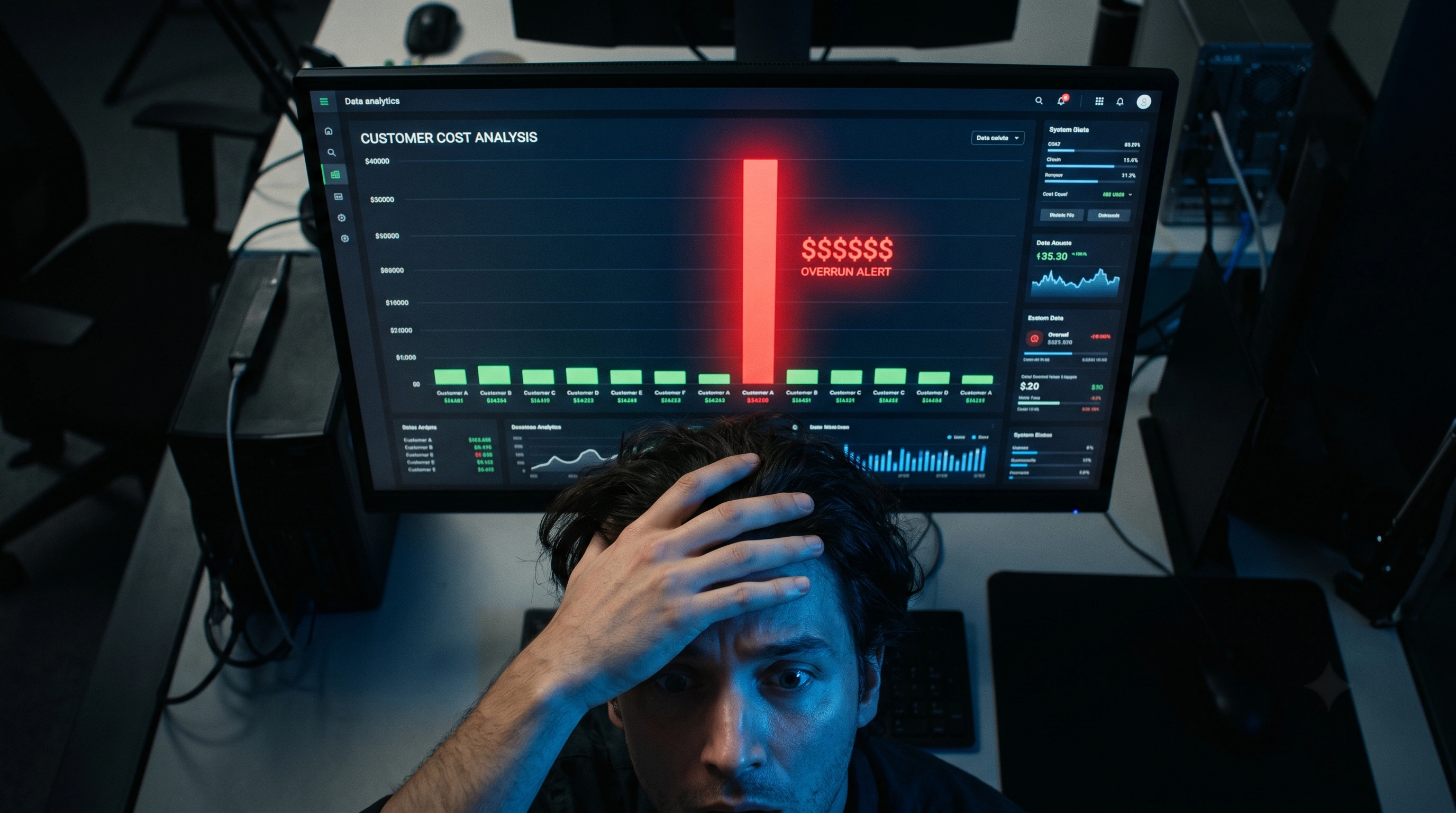
Your OpenAI dashboard says you spent $4,200 last month. Useful? Not really. You have 300 customers. Some cost you $0.50/month, others cost $150. Your monthly total tells you nothing about which customers are profitable and which are bleeding you dry.
According to a 2026 FinOps Foundation survey, only 12% of companies with AI features can attribute LLM costs to individual customers or business units (FinOps Foundation, 2026). The other 88% make pricing decisions based on averages — and averages hide the outliers that destroy margins.
TL;DR: Only 12% of companies with AI features can attribute LLM costs to individual customers (FinOps Foundation, 2026). The other 88% price on averages — hiding the outliers that destroy margins. Per-customer tracking requires just three data points per request: customer ID, model used, and token count.
Key Takeaways
- 88% of companies can't attribute AI costs to individual customers — they price on averages that hide margin killers
- Per-customer tracking requires three data points per request: customer ID, model used, and token count
- The top 5% of users typically consume 40-60% of total AI spend
- A metering proxy adds per-customer attribution automatically without code changes in your app
Why Isn't Total Monthly AI Spend Enough?
Your OpenAI invoice shows one number: total spend. It doesn't show that Customer A costs $1.20/month while Customer B costs $87.40/month — both paying the same $49 subscription. Without per-customer visibility, you can't answer basic business questions.
Which customers should upgrade to a higher plan? Which features generate the most AI cost? Is your new enterprise prospect going to be profitable at your quoted price? Should you set usage limits?
These questions require per-customer cost data. Total spend is a billing metric. Per-customer spend is a business metric. The difference between the two is the difference between surviving and thriving as an AI SaaS company.
What Data Do You Need Per API Call?
Every AI request through your system needs three tags:
- Customer identifier — which tenant or user triggered this call
- Model and provider — GPT-4o costs 17x more than GPT-4o-mini per input token (OpenAI Pricing, 2026)
- Token counts — input tokens, output tokens, and cached tokens (for prompt cache savings)
Optional but valuable:
- Feature tag — which product feature triggered the call (chat, search, analysis)
- Latency — response time in milliseconds
- Timestamp — for time-series analysis and daily spend tracking
With these data points, you can build a per-customer P&L that looks like:
| Customer | Plan | AI Cost | Revenue | Margin |
|---|---|---|---|---|
| Acme Corp | Pro $49 | $3.20 | $49 | 93% |
| MegaCo | Pro $49 | $87.40 | $49 | -78% |
| StartupXY | Free | $0.80 | $0 | -100% |
Row two is your problem. Row three is expected. Without this view, you'd never know.
How Do You Implement Per-Customer Tracking?
Option 1: Tag requests in your application code
Add customer context to every LLM API call. With OpenAI's API, use the user parameter:
{
  "model": "gpt-4o",
  "messages": [...],
  "user": "customer_abc123"
}
Then aggregate costs from your OpenAI usage dashboard by user ID. This works but has limitations: you're manually parsing CSV exports, you can't track across multiple providers, and there's no real-time visibility.
Option 2: Use a metering proxy
Route all LLM calls through a proxy that automatically captures customer context, token usage, and cost. Tokonomics works exactly this way — every request gets tagged with a tenant ID and recorded with full cost attribution.
The proxy approach has three advantages:
- Zero code changes — swap the API base URL, keep everything else the same
- Multi-provider — track OpenAI, Anthropic, DeepSeek, and Gemini costs in one dashboard
- Real-time — see per-customer spend as it happens, not after the monthly invoice
Option 3: Build a custom logging layer
Insert a middleware in your application that logs every LLM call to your database before forwarding it. You control everything but maintain everything too. Budget 2-3 months of engineering time for a production-grade implementation with per-feature attribution, alerting, and dashboard.
How Do You Find Your Most Expensive Customers?
Once you have per-customer data, sort by total AI cost descending. The pattern is almost always a power law: a small percentage of customers generates a disproportionate share of costs.
In our analysis of metered API calls through Tokonomics, the top 5% of tenants by usage account for 40-60% of total AI spend. These aren't bad customers — they're your most engaged users. But they need to be on a plan that reflects their consumption.
Three actions to take with your top-cost customers:
- Analyze their usage patterns — are they hitting expensive models when cheaper ones would work? A cost optimization report can identify model downgrade opportunities
- Segment by feature — which product features drive the most cost? Tag requests by feature to find out
- Adjust pricing or limits — either upsell them to a higher tier or introduce hard spending caps on their current plan
What Should Your Per-Customer Cost Dashboard Show?
A useful dashboard answers four questions at a glance:
1. Who are my most expensive customers this month? A ranked table: customer name, plan, AI spend, revenue, margin percentage. Sort by AI spend descending. Highlight anyone with negative margin in red.
2. What's the cost trend per customer? A daily spend chart per customer over the last 30 days. Spot spikes before they become problems. Set up budget alerts at 80% of the customer's AI budget.
3. Which models and features drive the most cost? A breakdown by model (GPT-4o vs GPT-4o-mini vs Claude) and by feature tag. This tells you where to optimize — if 70% of your cost comes from one feature, that's where to focus.
4. What's my blended cost per customer? Total AI spend ÷ total customers = blended cost. Track this monthly. If it's growing faster than your ARPU, your pricing model is broken.
How Do You Set Budget Limits Per Customer?
Per-customer budget limits prevent any single tenant from wrecking your margins. There are two approaches:
Soft limits — send a Slack alert when a customer hits 80% of their monthly AI budget. Your team decides whether to intervene or let it continue. Good for enterprise accounts where you don't want to disrupt the customer.
Hard limits — automatically block or downgrade AI requests when a customer exceeds their budget. The customer sees a clear message: "You've used your 2,000 included AI analyses this month. Upgrade for more." Good for self-serve plans where you need automated cost control.
Tokonomics implements hard caps via Redis counters — the budget check adds under 1ms of latency to each request. The key is making limits feel like a feature ("your plan includes 2,000 analyses") rather than a punishment ("you've been cut off").
Frequently Asked Questions
How much does it cost to track AI costs per customer?
Building custom per-customer tracking costs 2-3 months of engineering time plus ongoing maintenance. A managed solution like Tokonomics costs $49/month and works out of the box. The ROI is immediate — identifying one margin-negative customer and adjusting their plan pays for a year of metering.
Can I track per-customer costs with OpenAI's built-in tools?
OpenAI's usage dashboard shows aggregate spend by model and day, but doesn't break down by customer. You can pass a user parameter and export usage CSVs, but there's no real-time per-customer dashboard, no alerting, and no cross-provider view. It works for basic tracking but not for production cost management.
How often should I review per-customer AI costs?
Weekly for the first month after implementing tracking — you'll find surprises. Then monthly for routine monitoring. Set up automated budget alerts so you don't need to check manually. Any customer whose AI cost exceeds 50% of their subscription price deserves immediate attention.
Should I share per-customer cost data with my customers?
Show them their usage (number of AI analyses, requests, etc.) but not your raw cost. "You used 1,847 AI analyses this month" is helpful. "Your usage cost us $37.40" undermines your pricing. Frame it as value delivered, not cost incurred.
What's the minimum number of customers to justify per-customer tracking?
Even with 10 customers, per-customer tracking is valuable — one heavy user at that scale can represent 30-40% of your total AI spend. The investment pays for itself the first time you catch a margin-negative account. Start tracking from day one with Tokonomics and you'll have clean data when pricing decisions matter.
All sources retrieved June 2026.