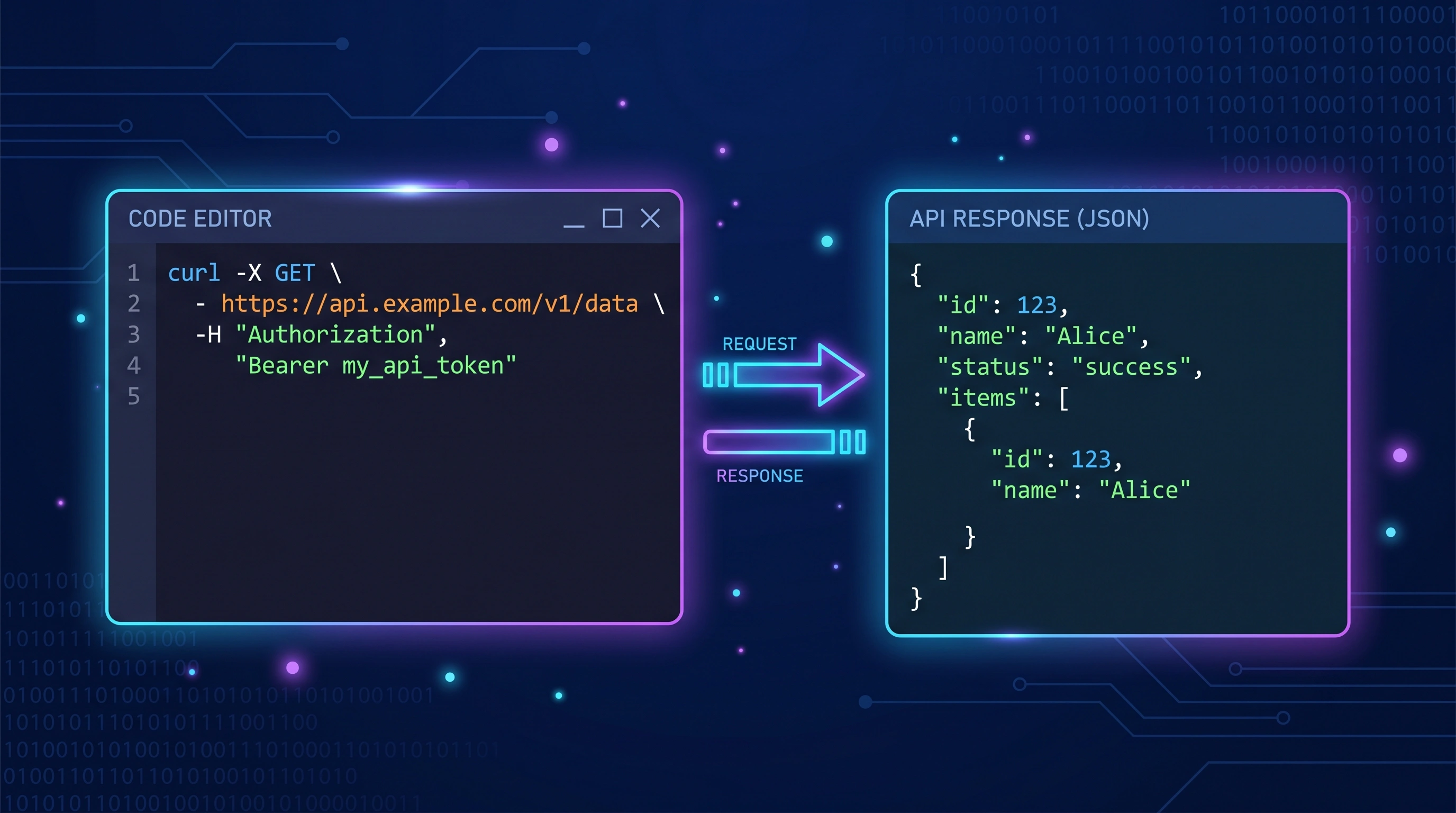
TL;DR: An LLM API request is an HTTP POST with an API key and a JSON body. OpenAI, Anthropic, and Google all follow the same pattern but differ in endpoint URLs, header names, and body structure. Your first call costs fractions of a penny. The hard part isn't making it work — it's knowing what it costs.
Key Takeaways
- Every LLM API call has 4 parts: endpoint URL, auth header, content headers, and JSON request body
- OpenAI, Anthropic, and Google all accept standard HTTP POST — no SDK required, just cURL or any HTTP client
- Your first API call costs fractions of a penny — GPT-4o-mini is $0.15 per million input tokens (OpenAI Pricing, 2026)
- The real challenge isn't making the call work — it's tracking what each call costs at scale
You don't need an SDK. You don't need a framework. You need one HTTP request.
Every LLM provider — OpenAI, Anthropic, Google, DeepSeek — accepts a simple POST request with a JSON body and returns a JSON response. If you can use cURL or write a Python script, you can talk to any LLM in under 5 minutes.
Try our API Playground to build and test LLM requests interactively without writing any code.
What exactly is an LLM API request?
It's an HTTP POST to a provider's endpoint. You send a JSON body describing what you want the model to do, and you get a JSON response with the model's output plus metadata about token usage.
Every request has four parts:
- Endpoint URL — where you send the request (e.g.,
https://api.openai.com/v1/chat/completions) - Authentication header — your API key proving you have access
- Content headers — telling the server you're sending JSON
- Request body — the model name, messages, and parameters
The response includes the model's text output, the number of tokens used (input and output), and the model identifier. That token count is what determines your bill — and why you should track costs from day one.
How do you authenticate with each provider?
All three major providers use API keys, but the header format differs slightly.
OpenAI:
Authorization: Bearer sk-your-key-here
Anthropic:
x-api-key: sk-ant-your-key-here
anthropic-version: 2023-06-01
Google (Gemini):
POST https://generativelanguage.googleapis.com/v1/models/gemini-2.0-flash:generateContent?key=YOUR_KEY
Notice the inconsistency. OpenAI uses a standard Bearer token. Anthropic uses a custom header plus a version header. Google puts the key in the URL. This is one reason teams end up using proxy layers — to normalize authentication across providers.
Keep your API keys out of source code. Use environment variables. A leaked OpenAI key can rack up thousands of dollars in minutes — there are bots that scan GitHub for exposed keys and start making requests immediately.
What does the request body look like?
Here's where the providers diverge most. Same concept, different JSON structures.
OpenAI (GPT-4o):
{
  "model": "gpt-4o",
  "messages": [
    {"role": "system", "content": "You are a helpful assistant."},
    {"role": "user", "content": "What is API metering?"}
  ],
  "temperature": 0.7,
  "max_tokens": 500
}
Anthropic (Claude Sonnet 4):
{
  "model": "claude-sonnet-4-20250514",
  "max_tokens": 500,
  "system": "You are a helpful assistant.",
  "messages": [
    {"role": "user", "content": "What is API metering?"}
  ]
}
Google (Gemini 2.0 Flash):
{
  "contents": [
    {"role": "user", "parts": [{"text": "What is API metering?"}]}
  ],
  "generationConfig": {
    "temperature": 0.7,
    "maxOutputTokens": 500
  }
}
Three providers, three different structures. OpenAI puts the system message inside the messages array. Anthropic uses a separate system field. Google doesn't have a dedicated system message concept — you use a different approach with system instructions.
Check the Model Matrix to compare capabilities and pricing across all these providers side by side.
How do you make your first request with cURL?
cURL works on every operating system and doesn't require installing anything. Here's a complete request to OpenAI:
curl https://api.openai.com/v1/chat/completions \
  -H "Content-Type: application/json" \
  -H "Authorization: Bearer $OPENAI_API_KEY" \
  -d '{
    "model": "gpt-4o-mini",
    "messages": [
      {"role": "user", "content": "Explain API metering in one sentence."}
    ],
    "max_tokens": 100
  }'
Notice we're using gpt-4o-mini here, not gpt-4o. For your first test, there's no reason to use the expensive model. GPT-4o-mini costs $0.15 per million input tokens — roughly 1/17th the cost of GPT-4o. This single request will cost about $0.000003. Basically nothing.
The response looks like this:
{
  "id": "chatcmpl-abc123",
  "model": "gpt-4o-mini-2025-07-18",
  "choices": [
    {
      "message": {
        "role": "assistant",
        "content": "API metering tracks and measures every API call's resource usage to enable accurate billing, cost control, and usage analytics."
      },
      "finish_reason": "stop"
    }
  ],
  "usage": {
    "prompt_tokens": 14,
    "completion_tokens": 24,
    "total_tokens": 38
  }
}
That usage object is the most important part for cost management. It tells you exactly how many tokens were consumed. Use the Cost Calculator to translate those token counts into dollars at current pricing.
How do you make the same request in Python?
Python is the most popular language for LLM development. Here's the same request using the requests library — no SDK needed:
import requests
import os

response = requests.post(
    "https://api.openai.com/v1/chat/completions",
    headers={
        "Content-Type": "application/json",
        "Authorization": f"Bearer {os.environ['OPENAI_API_KEY']}"
    },
    json={
        "model": "gpt-4o-mini",
        "messages": [
            {"role": "user", "content": "Explain API metering in one sentence."}
        ],
        "max_tokens": 100
    }
)

data = response.json()
print(data["choices"][0]["message"]["content"])
print(f"Tokens used: {data['usage']['total_tokens']}")
This is a raw HTTP request. No OpenAI SDK, no LangChain, no framework. Just requests.post() with JSON. It works the same way in any language — JavaScript, PHP, Go, Ruby, Java. If your language can make HTTP requests, it can call LLM APIs.
For production use, you'll want error handling, retries, and cost tracking. But for your first request, this is all you need.
What do the key parameters actually control?
Four parameters matter most when you're starting out:
model — which model to use. This is the single biggest factor in your cost. GPT-4o-mini at $0.15/M input is 17x cheaper than GPT-4o at $2.50/M. Always start with the cheapest model and only upgrade if quality isn't sufficient. Check current pricing before choosing.
messages — the conversation. Each message has a role (system, user, or assistant) and content. The system message sets behavior. User messages are inputs. Assistant messages are the model's previous responses (for multi-turn conversations).
temperature — controls randomness, from 0 (deterministic) to 2 (very random). For factual tasks, use 0-0.3. For creative tasks, try 0.7-1.0. Default is usually 1.0.
max_tokens — caps the response length. This directly affects cost since you pay for output tokens. If you need a one-sentence answer, set max_tokens to 50-100. Don't leave it unlimited — a runaway response can generate thousands of tokens you didn't need. This is why hard spending caps exist.
What are the most common errors and how do you fix them?
Three errors account for 90% of first-time failures:
401 Unauthorized — your API key is wrong. Double-check that you've set the environment variable correctly, that the key hasn't been revoked, and that you're using the right header format for the provider. OpenAI uses Authorization: Bearer, Anthropic uses x-api-key.
429 Too Many Requests — you've hit a rate limit. New accounts have lower limits. OpenAI starts free-tier accounts at 3 requests per minute on GPT-4. Wait and retry, or upgrade your account tier. See our guide on handling rate limits for production-grade retry logic.
400 Bad Request — your JSON body is malformed or missing required fields. Common causes: forgetting max_tokens on Anthropic (it's required, not optional), using gpt-4o when your account only has access to gpt-3.5-turbo, or sending messages as a string instead of an array.
A less obvious error: context length exceeded. Each model has a maximum context window. If your messages plus the expected output exceed it, you'll get an error. GPT-4o supports 128K tokens. Claude Sonnet 4 supports 200K. Gemini 2.0 Flash supports 1M. But bigger context windows cost more money — sending 100K tokens of context isn't free.
How much does your first API call actually cost?
Almost nothing. But it's worth understanding the math from day one, because costs scale linearly with usage.
A simple request to GPT-4o-mini — 20 input tokens, 50 output tokens:
Input:  20 tokens × $0.15/M = $0.000003
Output: 50 tokens × $0.60/M = $0.000030
Total:  $0.000033
Three thousandths of a penny. You could make 30,000 identical calls for a dollar.
But production workloads aren't 20-token prompts. A real chatbot with a system prompt, conversation history, and tool definitions might send 2,000 input tokens and receive 500 output tokens per call:
Input:  2,000 tokens × $0.15/M = $0.0003
Output: 500 tokens   × $0.60/M = $0.0003
Total:  $0.0006 per call
At 50,000 calls per day, that's $30 daily — $900 per month. On GPT-4o instead of mini, the same workload costs $15,250 per month. Model choice alone creates a 17x cost difference.
This is why cost awareness matters from the start. Use the Cost Calculator to model your expected usage before committing to a provider or model.
How do provider APIs differ beyond the request format?
The differences go deeper than JSON structure. Each provider has quirks that affect how you build:
Streaming: All providers support streaming responses (receiving tokens as they're generated). OpenAI and Anthropic use Server-Sent Events. Google uses a different streaming format. Streaming doesn't change cost but improves perceived latency in user-facing applications.
Function calling: OpenAI calls it "function calling" or "tools." Anthropic calls it "tool use." Google calls it "function calling." Same concept, different schemas. Each tool definition costs tokens — 100-300 per tool — which adds to every request.
Context windows: GPT-4o handles 128K tokens. Claude Sonnet 4 handles 200K. Gemini handles 1M+. Bigger windows let you send more context but don't change the per-token price. Longer context just means a bigger bill per request.
Token counting: OpenAI provides tiktoken for exact pre-request counting. Anthropic returns counts in response headers. Google has a dedicated countTokens API. For cross-provider comparison, use the Token Counter.
What should you do after your first successful call?
Your first call works. Now what? Here's the path from experiment to production:
-
Track costs immediately — don't wait until your bill surprises you. Set up automated cost tracking from your first production deployment. The getting started guide walks through this in 10 minutes.
-
Set budget alerts — even small projects can spike unexpectedly. A recursive loop or a viral feature can burn through thousands of dollars overnight. Budget alerts notify you before you hit your limit.
-
Start with cheap models — GPT-4o-mini and DeepSeek handle 80% of use cases at a fraction of the cost. Only upgrade to GPT-4o or Claude Sonnet 4 when quality requires it.
-
Use a proxy — instead of calling each provider's API directly, route through a proxy layer that records usage, enables provider switching, and enforces budget caps. You can swap models or providers without changing application code.
-
Understand rate limits — every provider has them, and they're lower than you think for new accounts. Build retry logic from the start. Our rate limits guide covers the patterns.
The teams that scale LLM usage successfully aren't the ones with the most sophisticated prompts. They're the ones who understood the economics from their very first API call.
Frequently Asked Questions
Do I need an SDK to make LLM API calls?
No. Every LLM provider accepts standard HTTP requests with JSON bodies. You can use cURL, Python's requests, JavaScript's fetch, PHP's cURL, or any HTTP client in any language. SDKs like OpenAI's Python library add convenience (automatic retries, streaming helpers, type safety) but aren't required. For your first calls, raw HTTP is simpler to understand.
How do I avoid accidentally spending too much on API calls?
Set max_tokens on every request to cap response length. Use the cheapest model that meets your quality needs (GPT-4o-mini at $0.15/M is 17x cheaper than GPT-4o). Set up budget alerts to notify you at spending thresholds. And monitor your usage dashboard — most providers show daily spend, but third-party tools like Tokonomics give real-time per-call visibility.
Can I switch between LLM providers easily?
The request formats differ between providers (different URLs, headers, and JSON structures), so switching requires code changes — unless you use a proxy or abstraction layer. A proxy like Tokonomics normalizes the interface so you can swap from OpenAI to Anthropic by changing one parameter without touching your application code.
What's the cheapest way to test LLM API calls?
Use GPT-4o-mini ($0.15 per million input tokens) or Google's Gemini 2.0 Flash ($0.10 per million). Both offer strong quality at minimal cost. OpenAI gives $5 in free credits to new accounts. Anthropic and Google also offer free tiers. For testing, keep max_tokens low (50-100) and use short prompts to minimize token usage during development.
All pricing and API formats verified June 2026. Build and test requests in the API Playground without writing code.