TL;DR: AI automation ROI = (human cost saved - total AI cost) / total AI cost × 100. A customer support team of 5 reps at $4,000/month each that automates 60% of tickets with AI costing $849/month sees 280% ROI and a 6-week payback period. Use our ROI Calculator to run the numbers for your specific scenario in under 2 minutes.
Key Takeaways
- ROI formula: (Human Cost Saved − Total AI Cost) / Total AI Cost × 100 — a support team automating 60% of tickets sees 280% ROI
- 74% of companies piloting AI automation can't articulate financial return after 6 months (McKinsey, 2025)
- Include hidden costs: API fees, engineering setup, prompt tuning, monitoring — not just the subscription price
- Typical payback period for customer support automation: 6–12 weeks with proper cost tracking
Why Does Calculating ROI Matter Before You Start?
Because "AI is the future" isn't a budget line item. Your CFO wants a number. Your board wants a payback period. Your engineering team wants to know whether to prioritize AI or the feature backlog.
A 2025 McKinsey survey found that 74% of companies piloting AI automation couldn't articulate the financial return after 6 months. Not because the return wasn't there — but because nobody measured it properly from day one. Projects without clear ROI targets get cut first during budget reviews.
The calculation itself isn't complicated. You need three numbers: what you're spending on humans today, what you'll spend on AI instead, and what it costs to set everything up. The tricky part is getting those numbers right and not fooling yourself with optimistic assumptions.
Plug your numbers into the ROI Calculator to get your projected ROI, payback period, and monthly savings instantly.
What's the Core ROI Formula for AI Automation?
ROI = (Human Cost Saved - Total AI Cost) / Total AI Cost × 100
Break down each component:
Human Cost Saved = current human cost for the task × automation percentage. If 5 support reps handle tickets at $4,000/month each ($20,000 total), and AI handles 60% of those tickets, the savings potential is $12,000/month. But you won't fire 3 reps — you'll likely reduce by 2 and redeploy 1. So realistic savings: $8,000-10,000/month.
Total AI Cost = API costs + platform costs + setup costs (amortized monthly). API costs depend on your model choice and volume. Platform costs include your metering tool, hosting, and any orchestration layer. Setup costs include engineering time for integration, prompt engineering, and testing.
The percentage tells you how many dollars you earn back for every dollar spent on AI. An ROI of 280% means you get $2.80 back for every $1.00 invested.
For a conceptual overview of ROI frameworks, see our AI automation ROI guide. This post walks through the hands-on calculation with the actual numbers.
How Do You Calculate ROI Step by Step With a Real Scenario?
Let's work through a complete example. An e-commerce company wants to automate customer support.
Step 1: Document current human costs.
- 5 support representatives
- Average salary + benefits: $4,000/month each
- Total monthly cost: $20,000
- Current ticket volume: 3,000 tickets/month
- Cost per ticket: $6.67
Include everything: salary, benefits, office space allocation, management overhead, training. The fully loaded cost per employee is typically 1.3-1.5x the base salary.
Step 2: Estimate automation percentage realistically.
Not every ticket can be automated. Start by categorizing your tickets:
- Password resets, order status, return policy: 70-90% automatable (simple lookup tasks)
- Product recommendations, sizing help: 40-60% automatable (needs some reasoning)
- Complaints, escalations, edge cases: 10-20% automatable (needs human judgment)
If your ticket mix is 50% simple, 30% moderate, and 20% complex, your weighted automation rate is: (50% × 80%) + (30% × 50%) + (20% × 15%) = 40% + 15% + 3% = 58%
Round down to 55% for safety. Optimistic automation estimates are the #1 source of bad ROI projections.
Step 3: Calculate AI operating costs.
For 3,000 tickets/month at 55% automation = 1,650 AI-handled tickets.
Each ticket averages 4 turns. That's 6,600 API calls/month.
Using GPT-4o-mini at an average of 2,000 input tokens and 200 output tokens per call:
- Input cost: 6,600 × 2,000 × $0.00000015 = $1.98
- Output cost: 6,600 × 200 × $0.0000006 = $0.79
- Monthly API cost: $2.77
That seems low — and it is, because API cost is only part of the picture.
Add platform costs:
- Tokonomics Pro plan for cost monitoring: $49/month
- Hosting for chatbot infrastructure: $50/month
- Vector database for RAG (FAQ retrieval): $25/month
Total monthly AI operating cost: $126.77
Compare models and estimate API costs with the Cost Calculator and Model Comparison Matrix.
Step 4: Calculate setup costs.
- Engineering time: 2 developers × 3 weeks × $8,000/month = $12,000
- Prompt engineering and testing: 1 week × $4,000 = $4,000
- Integration and deployment: 1 week × $4,000 = $4,000
- Total setup: $20,000
Amortize over 12 months: $1,667/month
Step 5: Determine realistic headcount savings.
55% automation doesn't mean you cut 55% of staff. You'll likely:
- Reduce from 5 reps to 3 (cut 2 positions): saves $8,000/month
- Remaining 3 reps handle complex tickets + supervise AI: no change in their cost
Monthly savings: $8,000
Step 6: Calculate ROI.
Total monthly AI cost: $126.77 (operating) + $1,667 (amortized setup) = $1,793.77 Monthly savings: $8,000 Net monthly gain: $6,206.23
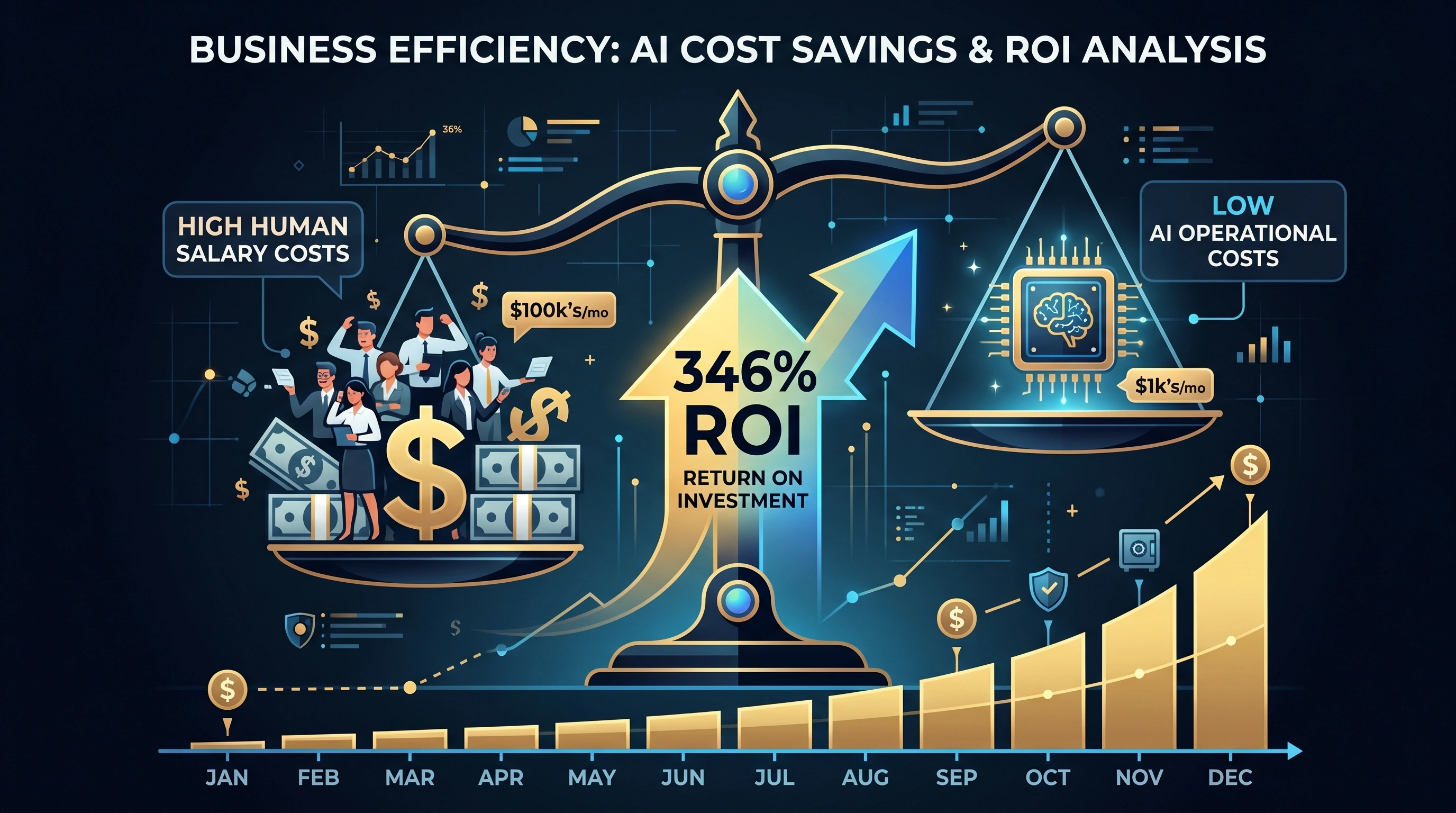
ROI = ($8,000 - $1,793.77) / $1,793.77 × 100 = 346%
Payback period = $20,000 / ($8,000 - $126.77) = 2.5 months
After month 3, setup costs are paid off and ongoing ROI jumps to ($8,000 - $126.77) / $126.77 × 100 = 6,210%.
What ROI Ranges Are Typical by Industry?
ROI varies dramatically based on how labor-intensive the automated task is and how expensive the humans doing it are.
Customer support: 200-400% first-year ROI. High ticket volumes, repetitive queries, and moderate salaries make this the sweet spot. Companies automating 50-70% of Tier 1 support consistently hit these numbers. For a detailed cost analysis, see our post on the cost to replace a support rep with AI.
Content generation: 150-300% first-year ROI. Marketing teams producing blog posts, social media copy, and product descriptions. AI handles first drafts, humans edit. The savings come from throughput — one writer with AI produces 3-4x more content. The ROI depends heavily on whether you reduce headcount or increase output.
Code generation and review: 100-250% first-year ROI. Developer productivity tools that generate boilerplate, write tests, or review PRs. Harder to measure directly because the savings are in developer time, which is expensive but not easily reduced. The ROI shows up as faster shipping, not fewer engineers.
Data entry and processing: 300-500% first-year ROI. Invoice processing, form extraction, data categorization. These tasks are tedious, high-volume, and highly automatable. The human cost is typically lower per person, but the volume makes automation extremely efficient.
Sales and lead qualification: 100-200% first-year ROI. AI qualifies inbound leads, drafts personalized outreach, and summarizes call notes. The ROI is real but harder to attribute directly because sales cycles are long and multi-touch.
What Hidden Costs Should You Include in Your Calculation?
Most ROI calculations are too optimistic because they ignore five cost categories:
1. Setup and integration costs. Engineering time to build the AI pipeline, connect to your systems, design prompts, and test edge cases. This is typically $10,000-50,000 depending on complexity. Always amortize it over 12 months in your ROI calculation.
2. Ongoing maintenance. Prompts need updating. Models get deprecated. Edge cases emerge. Budget 10-20% of initial setup cost annually for maintenance. A prompt that worked in January might need tuning by June because user behavior shifts.
3. Quality monitoring. Someone needs to review AI outputs, handle escalations, and catch errors. This isn't free — it's the remaining human cost that doesn't go away. Typically 1-2 hours per day of human review time for a support automation.
4. Error costs. When AI gives a wrong answer, there's a cost: customer churn, refunds, brand damage. If your AI confidently tells a customer the wrong return policy, fixing that costs more than the human rep would have cost in the first place. Factor in a 2-5% error rate and estimate the cost per error.
5. Opportunity cost of engineering time. The 3 weeks your developers spent building the AI chatbot could have been spent on features that directly drive revenue. This is hard to quantify but important to acknowledge. If your engineers' time generates $10,000/week in feature value, the opportunity cost is $30,000.
How Do You Calculate the Payback Period?
Payback period tells you when the investment breaks even — when cumulative savings exceed cumulative costs.
Payback Period = Total Setup Cost / (Monthly Savings - Monthly Operating Cost)
Using our support bot example:
- Setup cost: $20,000
- Monthly savings: $8,000
- Monthly operating cost: $126.77
- Net monthly gain: $7,873.23
Payback = $20,000 / $7,873.23 = 2.5 months
Good benchmarks:
- Under 3 months: strong case, approve immediately
- 3-6 months: solid case, most finance teams approve
- 6-12 months: acceptable for larger strategic projects
- Over 12 months: tough sell unless there are significant non-financial benefits
If your payback period exceeds 6 months, look for ways to reduce it. Cheaper models, smaller scope, or phased rollout can all shorten the timeline. The Cost Calculator helps you compare models to find the sweet spot between quality and price.
What Are the Most Common ROI Calculation Mistakes?
Overestimating automation percentage. The #1 mistake. Teams assume 80% automation and get 40%. Start with conservative estimates (40-50%) and revise upward with data. A lower automation percentage with accurate numbers is more useful than an inflated one that misleads your budget.
Ignoring setup costs. Some teams calculate ROI using only ongoing API costs versus human salaries. That makes the ROI look incredible but ignores the $20,000-50,000 upfront investment. Always include setup costs, even if amortized.
Not accounting for quality drops. If AI handles 60% of tickets but customer satisfaction drops 15%, you've created a new problem. Factor in the cost of reduced CSAT: higher churn, more escalations, reputational damage. Measure quality alongside cost.
Comparing AI to zero instead of to the alternative. The right comparison isn't "AI vs nothing." It's "AI vs the current process" or "AI vs hiring more people." If you'd need to hire 2 more reps at $4,000/month anyway, the savings are even larger than replacing existing staff.
Forgetting to re-calculate quarterly. Model pricing drops regularly. GPT-4o's input price dropped from $5.00 to $2.50 per million tokens in the past year. Your ROI improves every time pricing drops — but only if you switch to cheaper models when they're available. Use Tokonomics to track costs in real time and spot optimization opportunities.
For tips on presenting these numbers to leadership, check our guide on explaining AI costs to stakeholders.
How Should You Present ROI Numbers to Your CFO?
Executives don't want a spreadsheet with token counts. They want answers to three questions:
"How much will we save?" Lead with the monthly and annual dollar figure. "AI automation will save $96,000 per year in support costs after accounting for all AI expenses."
"When do we break even?" Give the payback period. "The $20,000 setup investment pays for itself in 2.5 months."
"What's the risk?" Be honest about what could go wrong. "If automation only reaches 40% instead of 55%, ROI drops from 346% to 180% — still strongly positive. If quality issues arise, we can scale back to 30% automation and still break even within 5 months."
Build a three-scenario model: conservative (40% automation), expected (55%), and optimistic (70%). Present all three. Your CFO will respect the honesty and focus on the conservative case.
The ROI Calculator generates all three scenarios automatically. Plug in your numbers, export the results, and you've got your pitch deck.
Frequently Asked Questions
What's a good ROI percentage for an AI automation project?
Anything above 100% in the first year is considered strong. Customer support automation typically lands between 200-400%. Content generation ranges from 150-300%. If your projected ROI is under 100%, the project may not be worth prioritizing over other investments — unless there are significant non-financial benefits like speed or scalability.
How long does it typically take to see positive ROI from AI automation?
Most well-scoped projects reach breakeven in 2-4 months. Support automation is the fastest (often under 3 months) because the savings are immediate and measurable. More complex projects like sales automation or code generation take 4-8 months because the benefits are harder to isolate and measure directly.
Should I include AI costs in my COGS or operating expenses?
It depends on your business model. If AI directly delivers value to customers (e.g., an AI-powered product feature), the API costs belong in COGS — they scale with revenue. If AI supports internal operations (e.g., automating internal support), it's an operating expense. Consult your finance team, but the classification affects your gross margin calculations and investor metrics.
Can I calculate ROI for AI if I'm not replacing any employees?
Yes. Not all ROI comes from headcount reduction. If AI lets your existing team handle 60% more tickets without hiring additional reps you'd otherwise need, the savings are the avoided hires — typically $48,000-60,000 per year per avoided position. You can also measure productivity gains: if each rep handles 30% more cases per day, that's quantifiable throughput improvement.
All sources retrieved June 2026. Salary figures based on Glassdoor and Bureau of Labor Statistics median data. Run your own numbers in the ROI Calculator for instant projections.